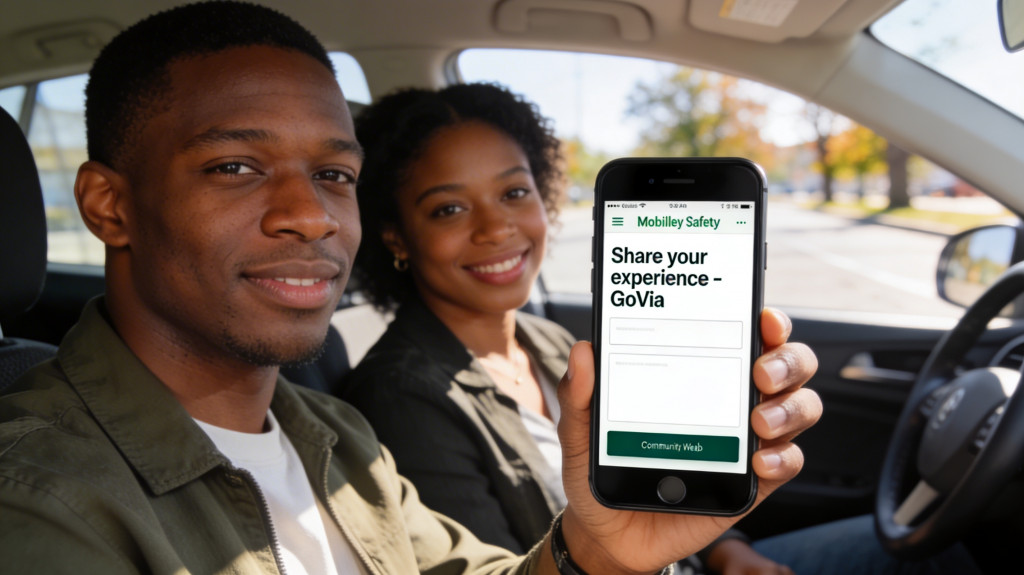
GoVia will collect “Rank Your Experience” feedback about police encounters through the GoVia website and the Android app, but not inside the iOS app itself.
Why iOS works differently
Apple’s App Store Review Guidelines are strict about any app features that could be interpreted as reporting or rating police or criminal activity, and they require these tools to involve local law enforcement and follow specific rules. Apple also explicitly bans apps that help users “evade law enforcement,” and it closely scrutinizes anything touching on police activity, which makes in‑app police encounter rating or reporting features more likely to be rejected or forced to change. To stay compliant and keep GoVia available to iPhone users, GoVia’s iOS app will not include the “Rank your experience” feature directly inside the app.
By contrast, Android has historically allowed a wider range of police‑related apps, including tools to record or report police encounters, with fewer centralized restrictions in Google Play policy. That flexibility allows GoVia to offer a built‑in “Rank your experience” button in the Android app without the same risk of store removal.
How “Rank your experience” works on GoVia
On the GoVia website, there will be a clear button labeled “Rank your experience” that appears after a user logs a police encounter or visits the post‑encounter page. This button will open a secure feedback form where community members can describe what happened, rate how safe and respected they felt, and share any additional context they want GoVia to review. The goal is to crowd‑source structured, fact‑based feedback about real encounters so patterns can be identified and communities can advocate for safer interactions over time.
On Android, the GoVia app will mirror this website experience with its own “Rank your experience” feature. After a user finishes documenting an encounter, they will see a button or prompt inside the app that takes them to the same kind of structured form, optimized for mobile use. Because the Android version can integrate this directly, users on those devices will not have to leave the app to submit their feedback.
What iPhone users should do instead
Although Apple’s rules prevent GoVia from embedding a “Rank your experience” feature directly inside the iOS app, iPhone users can still submit their feedback through any modern web browser. Popular browsers that can access the GoVia website include:
- Safari on iPhone and iPad.
- Google Chrome.
- Mozilla Firefox.
- Microsoft Edge.
- Opera
- Brave (privacy‑focused browser)
An iPhone user can open any of these browsers, go to the GoVia website, log in, navigate to their encounter, and tap the “Rank your experience” button on the site. This flow keeps the iOS app itself compliant with Apple’s policies while still giving iPhone users equal access to the same feedback tools that Android and desktop users have.
Why GoVia chose this design
There is a long history of apps built around documenting or reporting police encounters, including tools that record video, send alerts, or send reports to civil rights organizations. Many of these tools have faced platform scrutiny when they appear to cross into areas Apple considers too close to “evading law enforcement” or unverified criminal reporting. By placing “Rank your experience” on the web (and in the Android app) while keeping the iOS app focused on education, safety, and documentation, GoVia balances three priorities: staying live in the Apple ecosystem, protecting users from sudden loss of access, and still gathering critical community feedback about real police encounters.
In practice, this means anyone with internet access—whether on a laptop, Android phone, or iPhone using a browser—can participate in shaping safer police encounters by sharing what they experienced through GoVia’s “Rank your experience” button on the web.